Brand: IBM (7 machines)
A bit of history
A computing giant whose mainframes, IBM PC and research shaped both enterprise technology and personal computing.
On display here are 7 IBM machines from the collection. Open a card to see its photographs, present configuration and technical specifications.
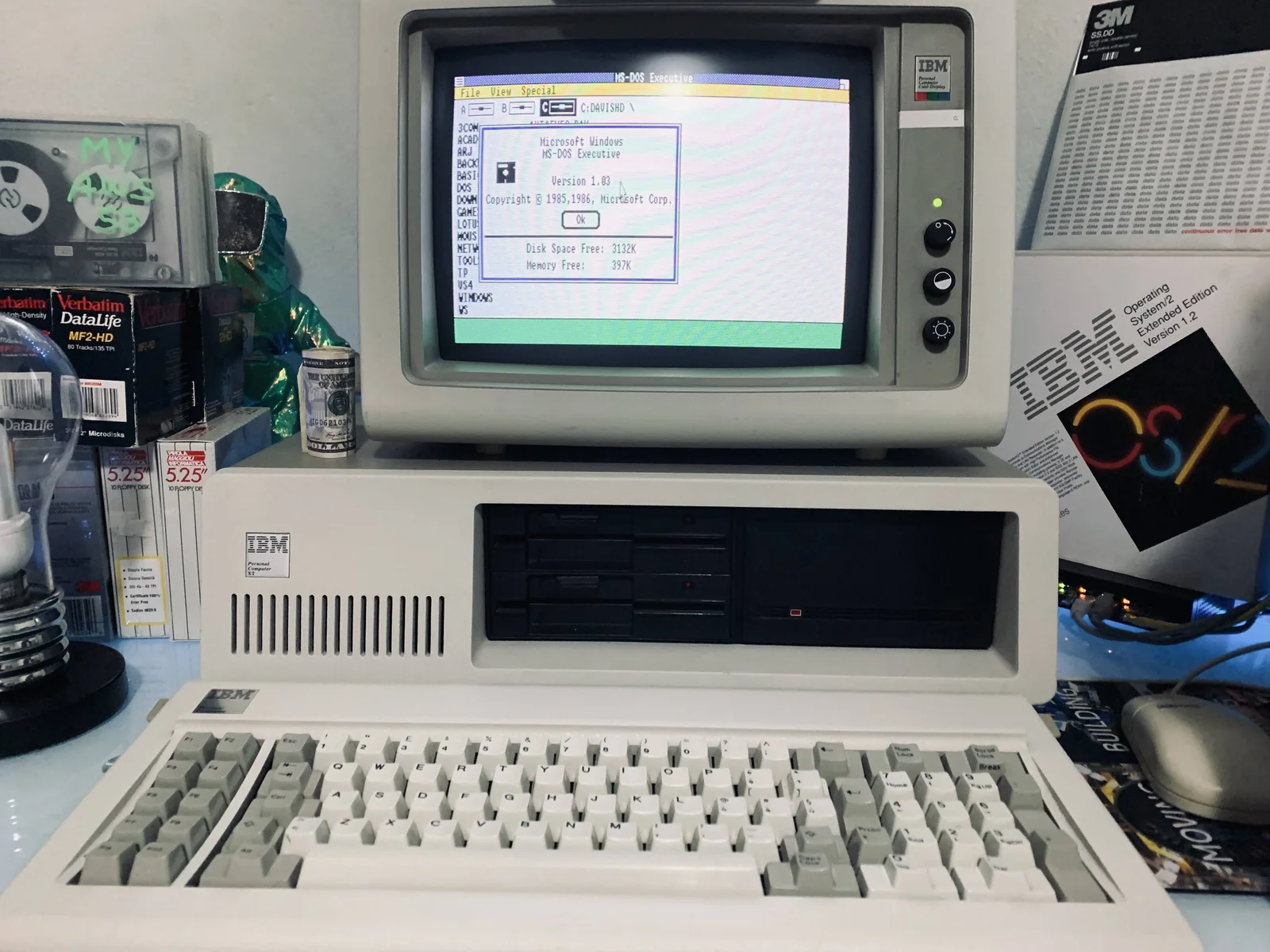
Personal Computer XT 5160
IBM’s hard-disk-equipped successor to the original Personal Computer.
- CPU
- Intel 8088 at 4.77 MHz
- Memory
- 640KB RAM
- OS
- IBM DOS
- Status
- Working connected to the LAN
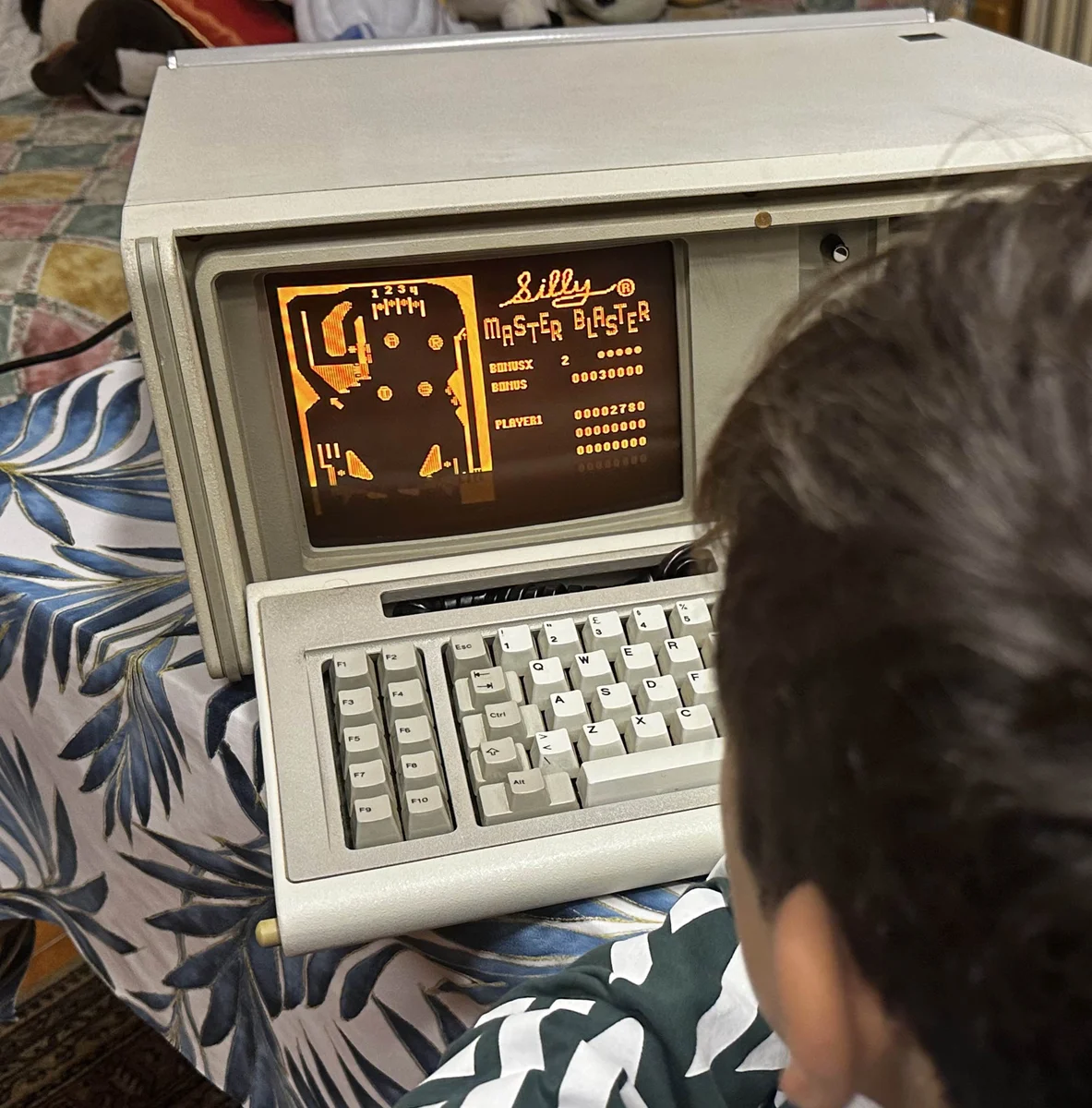
Portable Personal Computer 5155
IBM’s transportable version of the original PC architecture.
- CPU
- Intel 8088 at 4.77 MHz + Intel 8087
- Memory
- 640KB RAM
- OS
- Compaq DOS
- Status
- Working connected to the lan
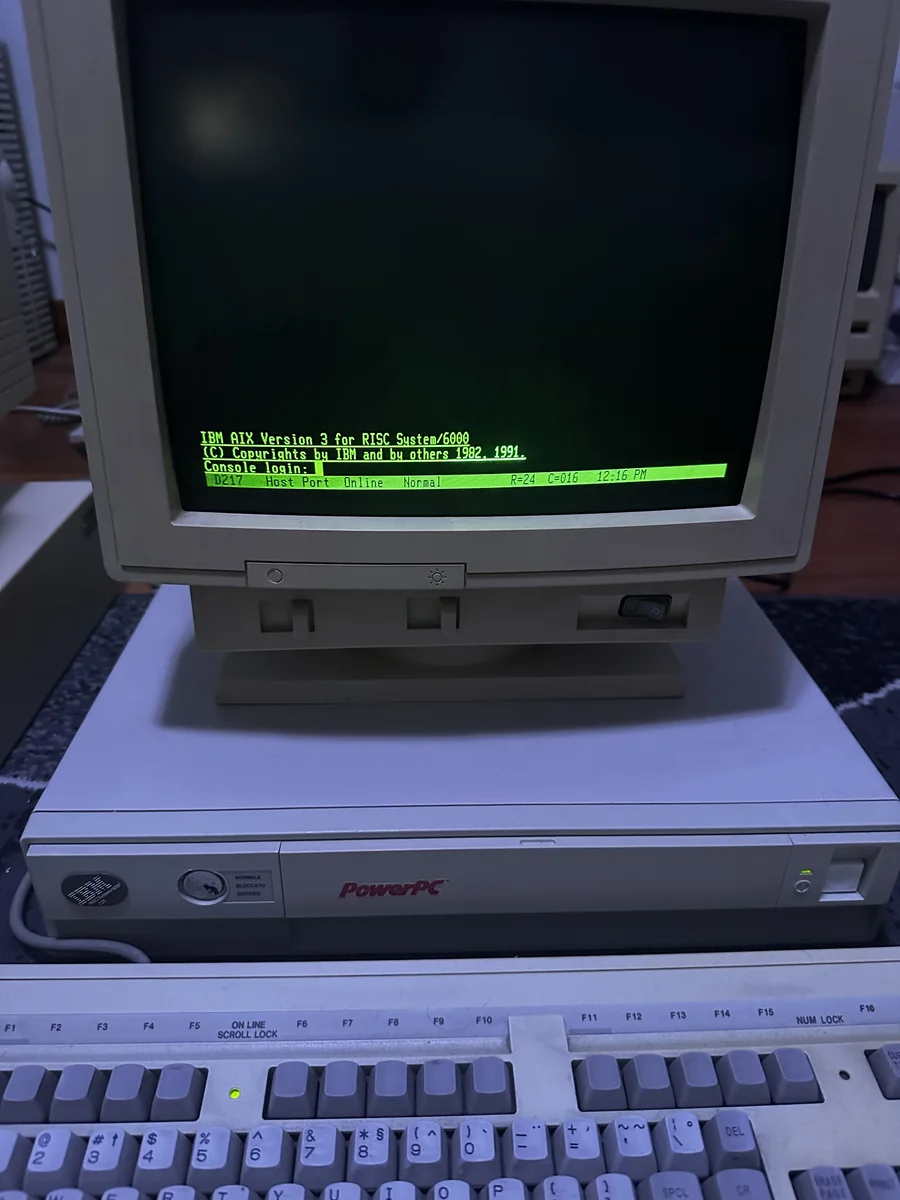
RS/6000 Model 7011 / 25F
A compact early RS/6000 workstation running IBM’s AIX UNIX environment.
- CPU
- IBM POWER processor; configuration varies
- Memory
- 16 MB ECC memory
- OS
- AIX 3.2.5
- Status
- Working connected to the lan
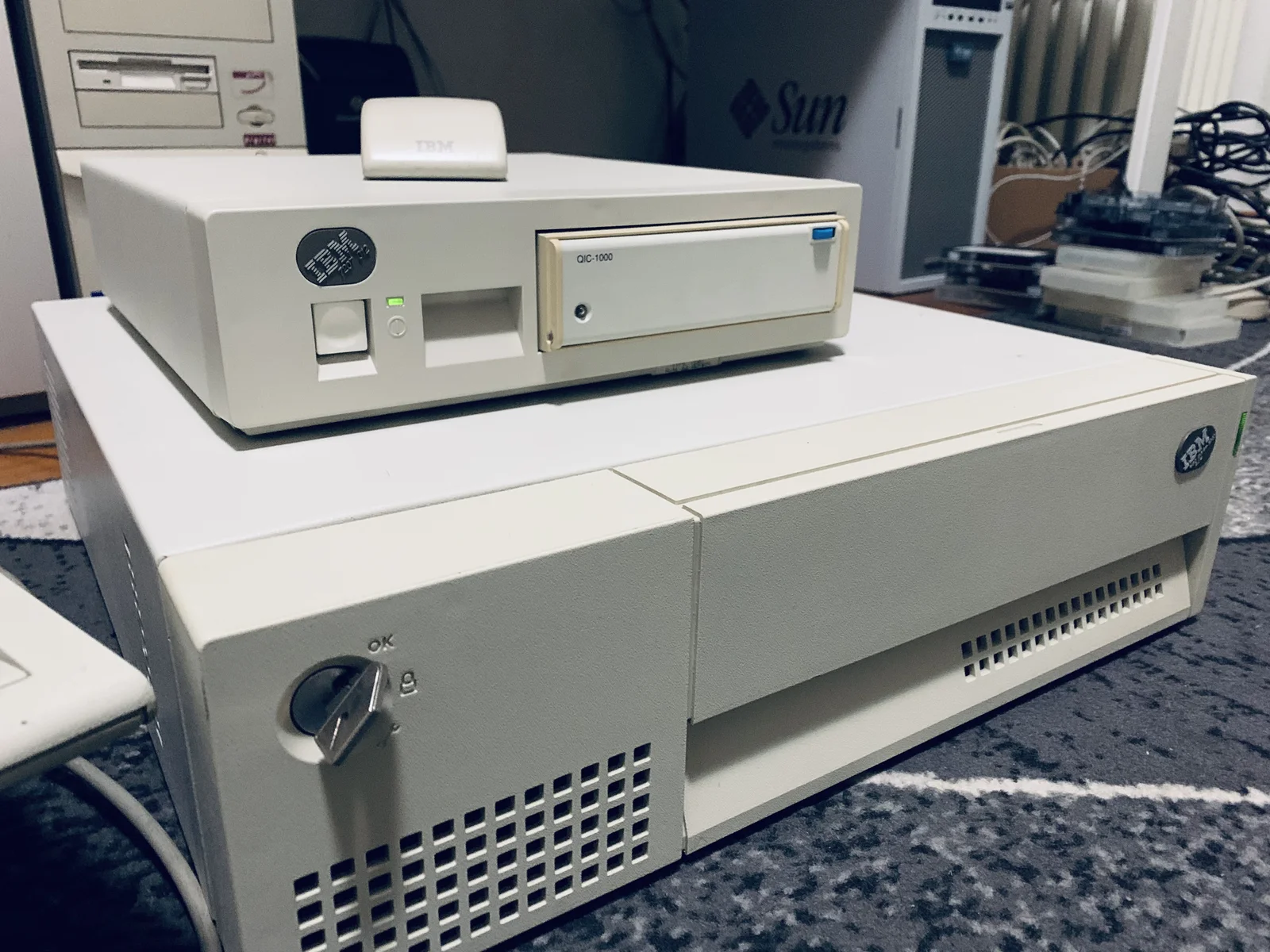
RS/6000 Model 42t
The IBM RS/6000 Model 42T (7006-42T) is a classic 32-bit desktop workstation introduced by IBM in 1995. Built for technical and scientific computing
- CPU
- IBM PowerPC 604 at 120Mhz
- Memory
- 128 MB ECC memory
- OS
- AIX 4.3.3
- Status
- Working connected to the lan
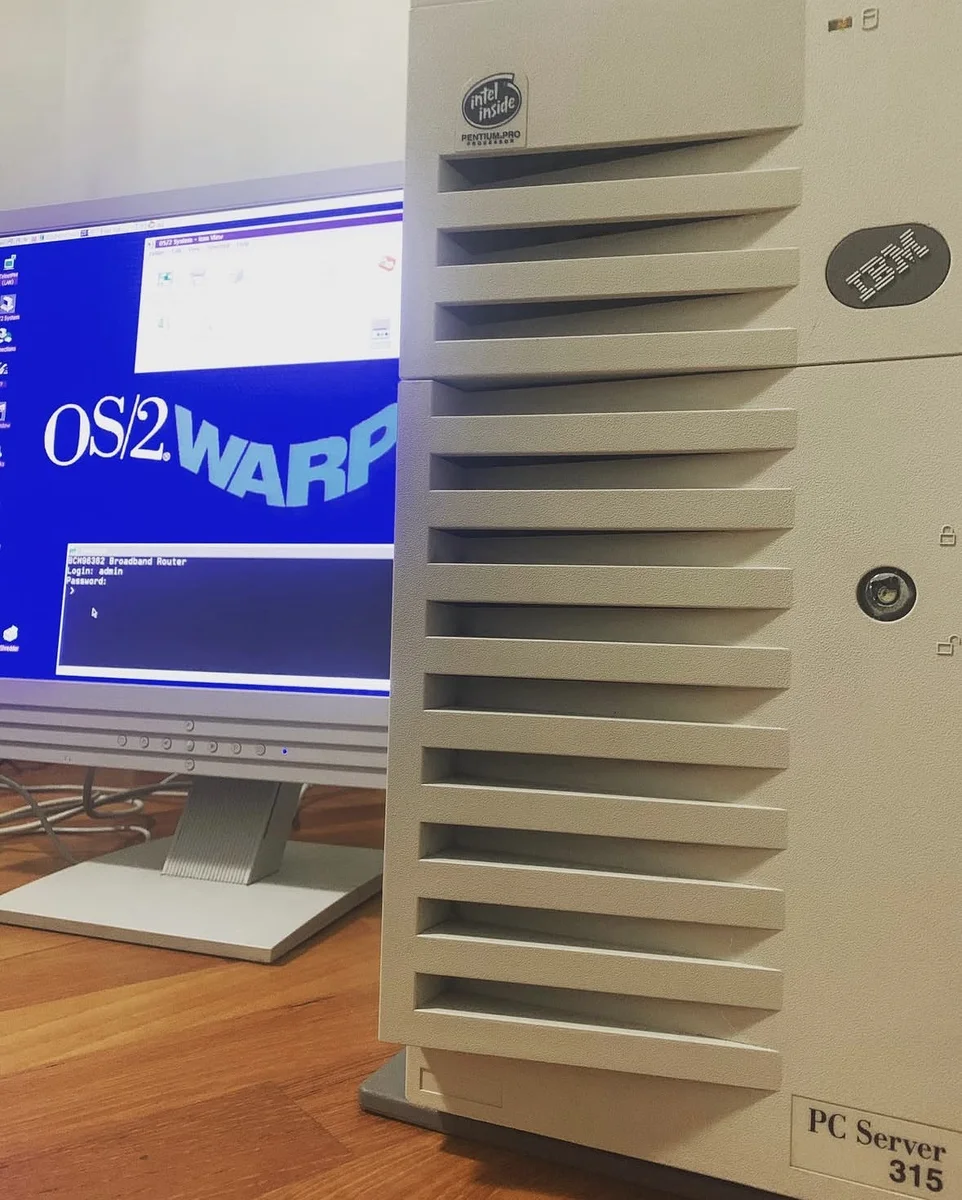
PC Server 315
IBM entry-level departmental server
- CPU
- Pentium Pro at 200Mhz
- Memory
- 128MB MB ECC memory
- OS
- OS/2 Warp
- Status
- Working connected to the lan
RS/6000 43P Model 150
A compact PCI-based RS/6000 workstation for AIX technical workloads.
- CPU
- PowerPC 604e; speed varies by configuration
- Memory
- ECC memory; configuration varies
- OS
- AIX
- Status
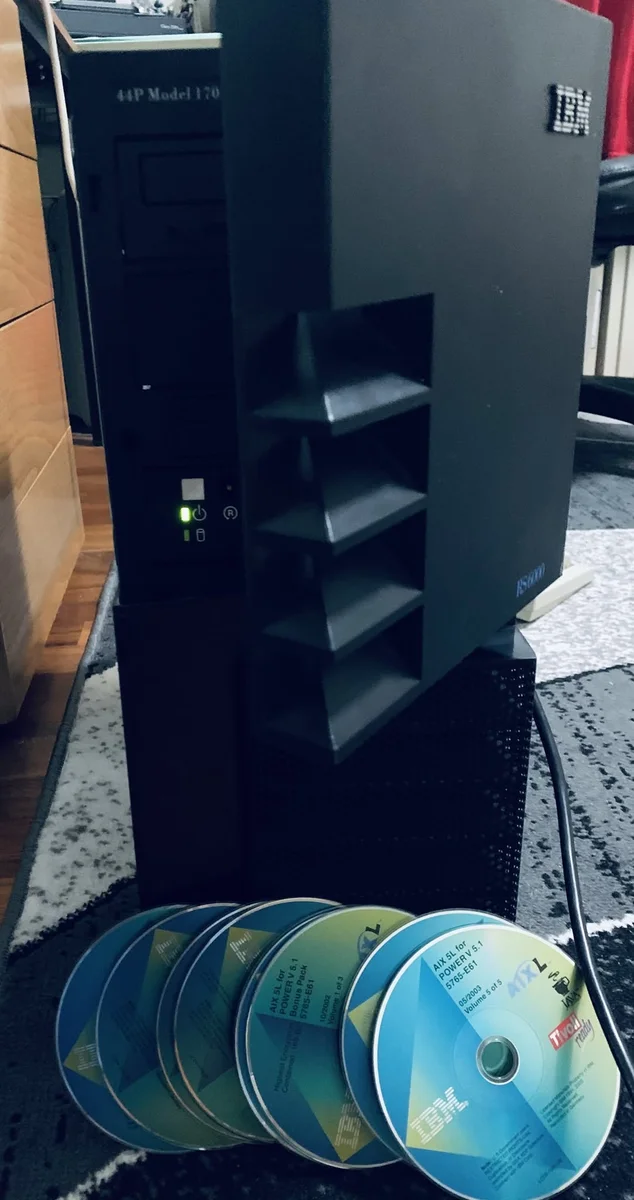
RS/6000 44P Model 170
A deskside POWER workstation for demanding AIX engineering and scientific work.
- CPU
- POWER3-II
- Memory
- 1GB ECC memory
- OS
- AIX
- Status
- Working connected to the lan